How to apply to Seminar Camp
- Register with your name, email, chapter, date of birth and your parent(s)/guardian(s)’ names and emails.
- Open the personal link we email you. That link is your application.
- Fill in your sections — personal details, proof of age, essay and short answers, destination preferences, Code of Conduct.
- Ask others for their part — your parent(s)/guardian(s), two references and your chapter's endorsement.
- Submit once every item on your checklist is green.
- Hear back — the Seminar Camp Committee reviews applications and emails offers.
- You must be 16 or 17 for the whole camp — the application only lets you choose camps you're eligible for.
- Use your own email address, not a parent's. Compass emails you, the applicant; your parents get their own emails for their parts.
- Start early. Parts of your application come from other people, and you can't submit until they've sent them in. Late applications are only looked at after every on-time, complete one.
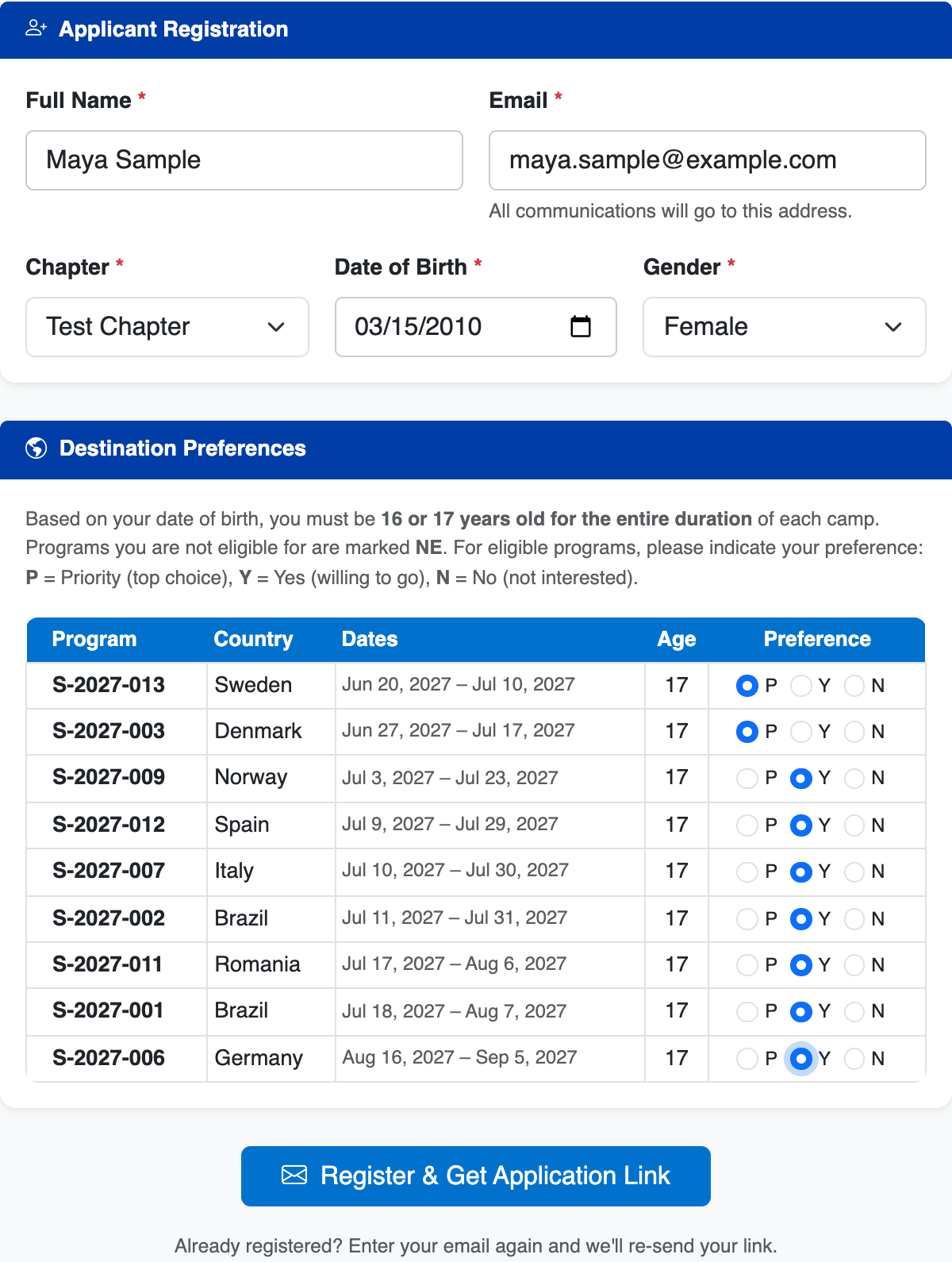
Go to the Seminar Camp application page and fill in the short registration form: your full name, your email, your CISV chapter, your date of birth and gender, and the name and email of your parent/guardian (a second one is optional). Each parent/guardian is emailed a link to their own form straight away.
Once you enter your date of birth, the list of this year's camps appears. Camps you are too young or too old for — or where CISV USA has no place for your gender — are marked NE (not eligible). For each of the others, choose:
- P — Priority: one of your top choices
- Y — Yes: you'd be happy to go
- N — No: you can't or don't want to go
Being open to more camps gives the committee more ways to place you. You can change these later.
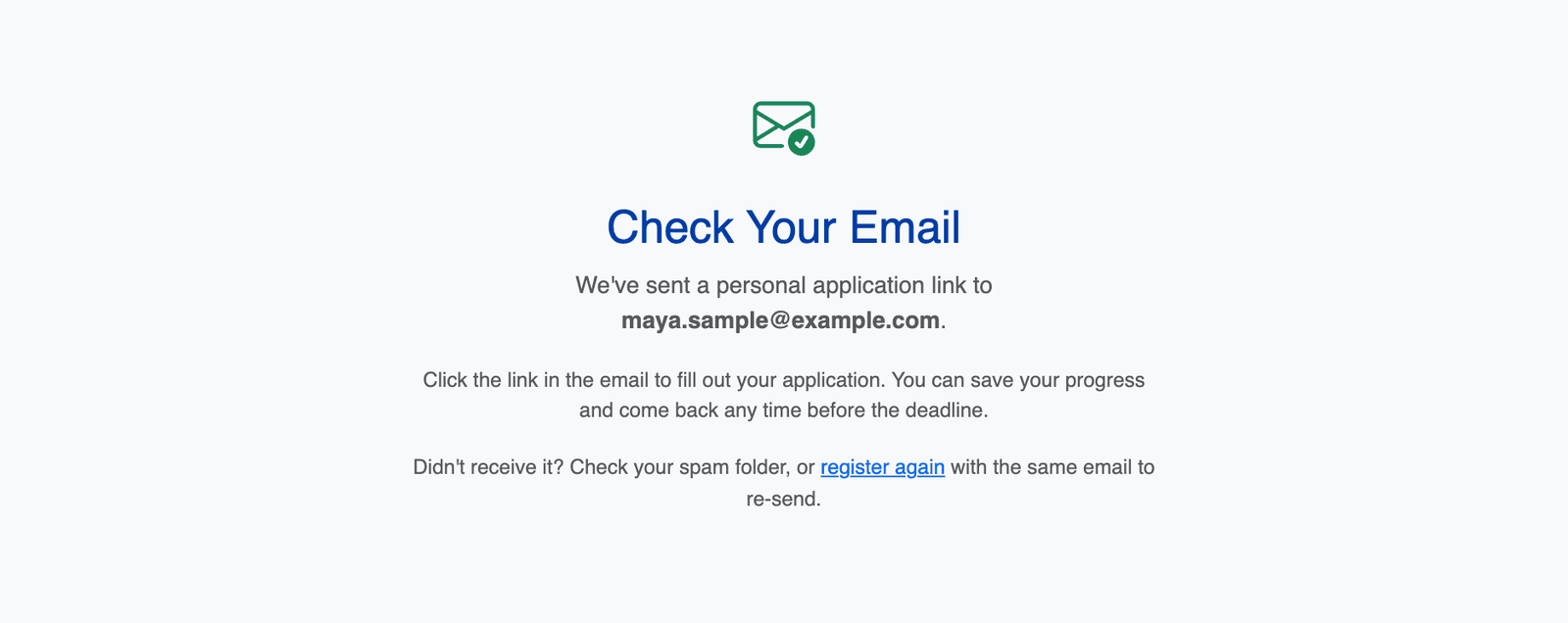
We email you a personal link right away. That link is your application — there is no username or password. Bookmark it, don't share it, and use it to come back as many times as you like. The link works for 90 days from the day you register — finish well before then.
No email? Check your spam folder. Lost it? Register again with the same email address and we'll send the same link again — nothing you've already saved is lost. (Re-registering doesn't restart the 90 days; if your link has expired, contact the Seminar Camp Committee.)
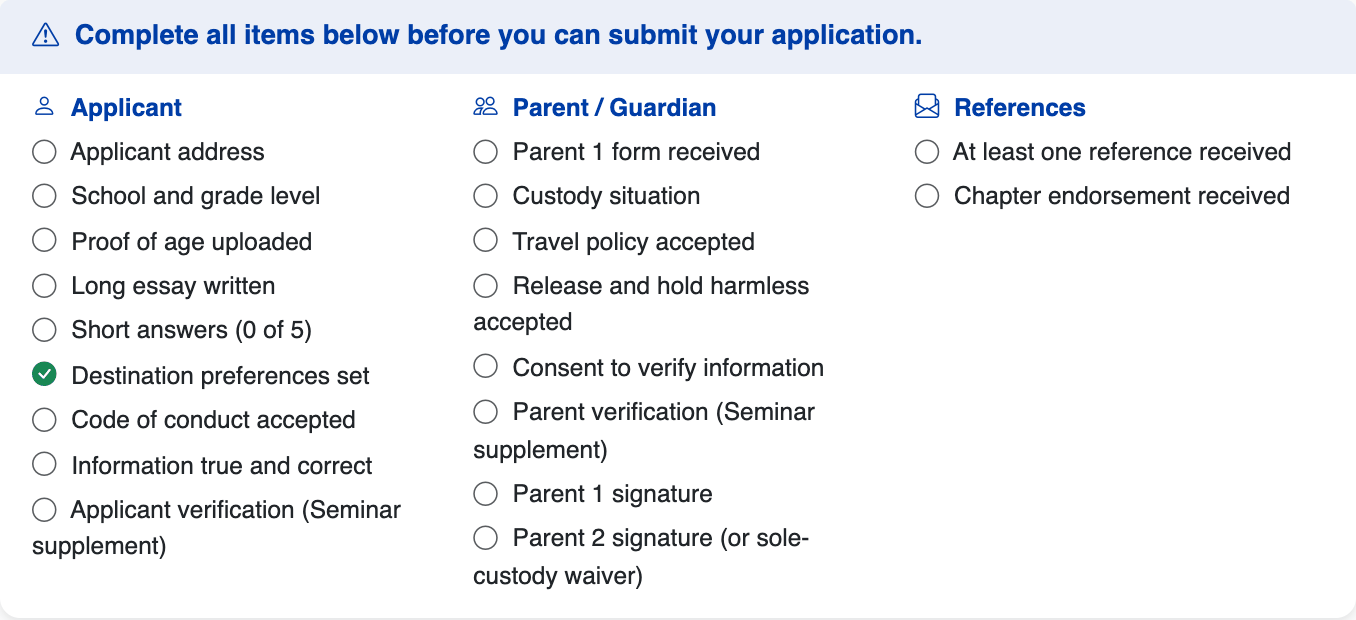
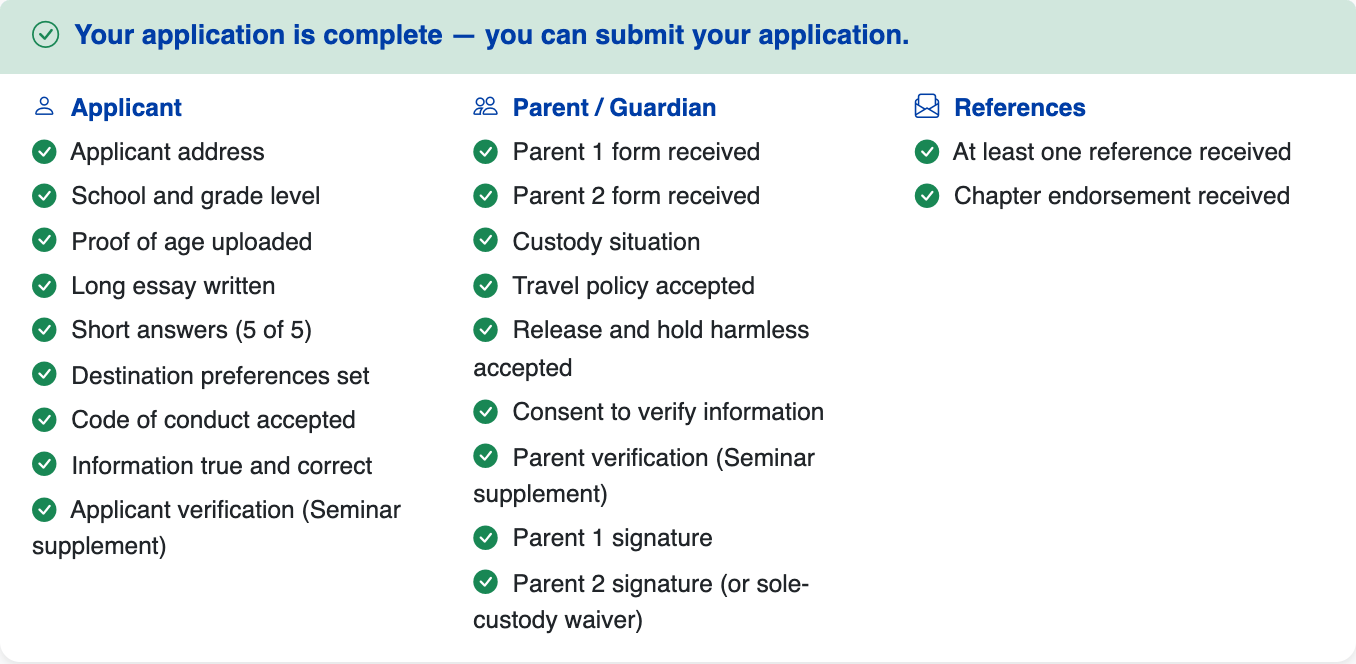
The top of your application page shows a checklist in three columns: what you do, what your parent(s)/guardian(s) do, and what your references and chapter do. Each item turns green as it's done. Below the checklist, every section has its own Save button — save each one as you go.
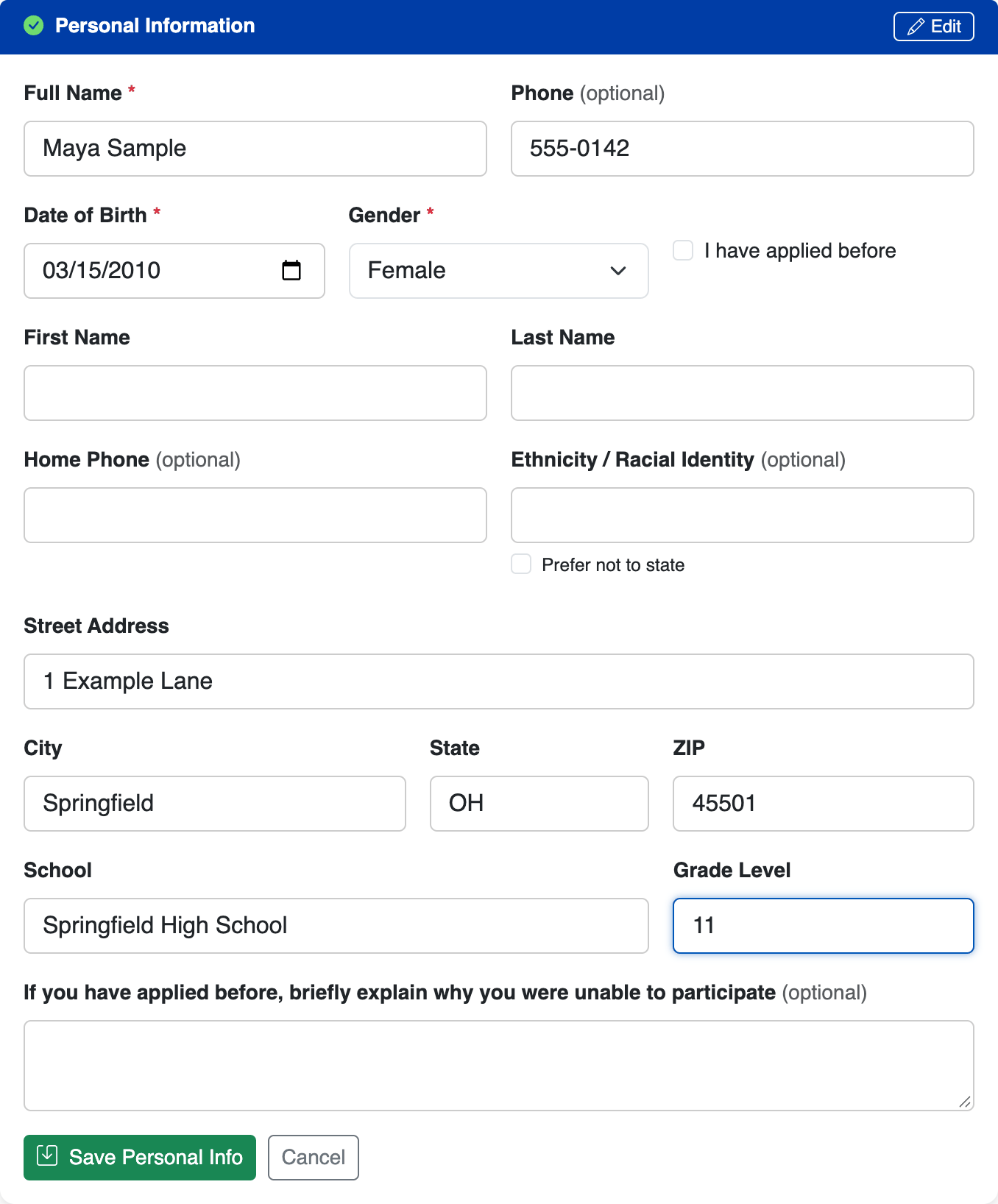
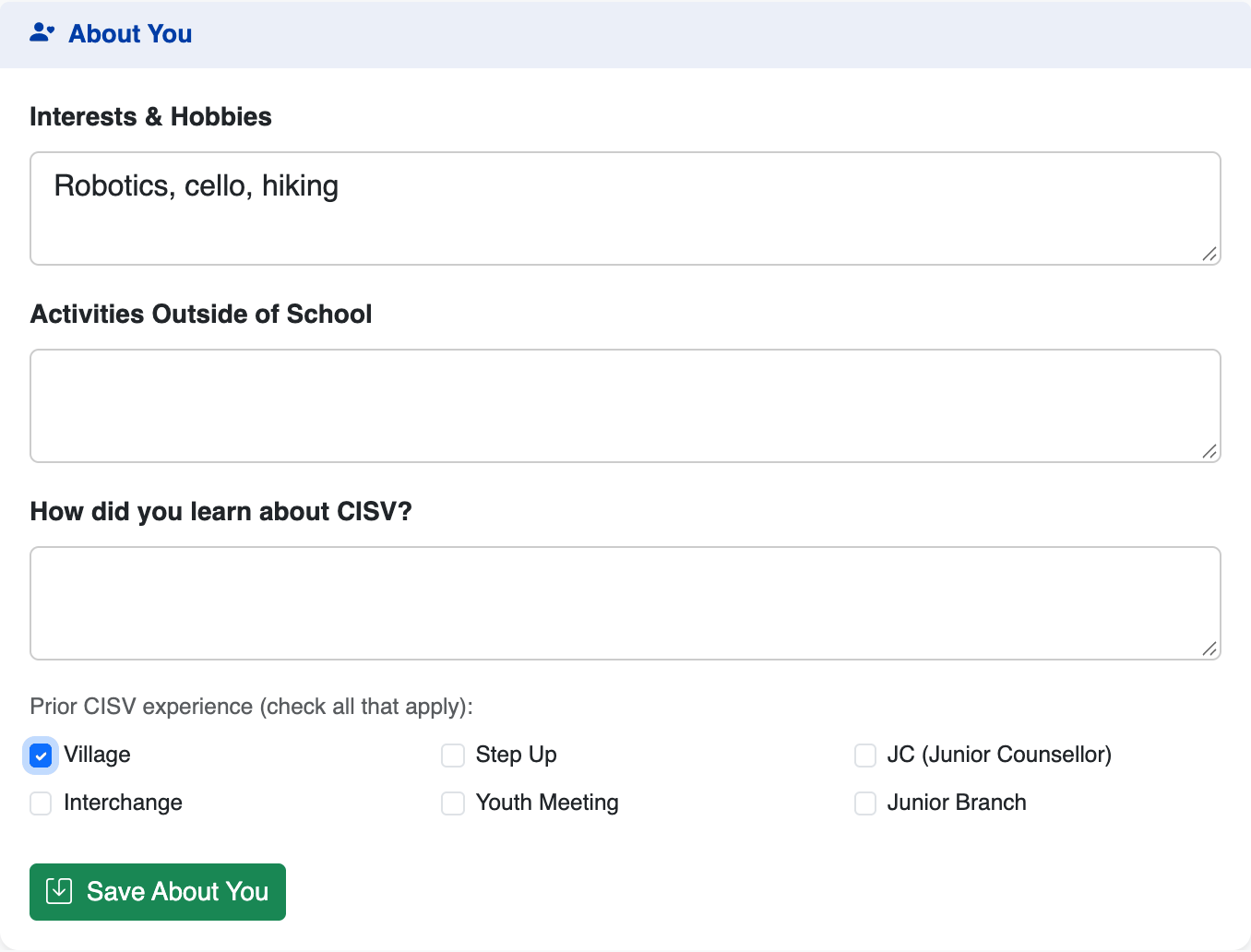
Click Edit on Personal Information and add your phone, home address, school and grade. Then tell us about your interests, activities, how you heard about CISV, and any CISV programmes you've done before.
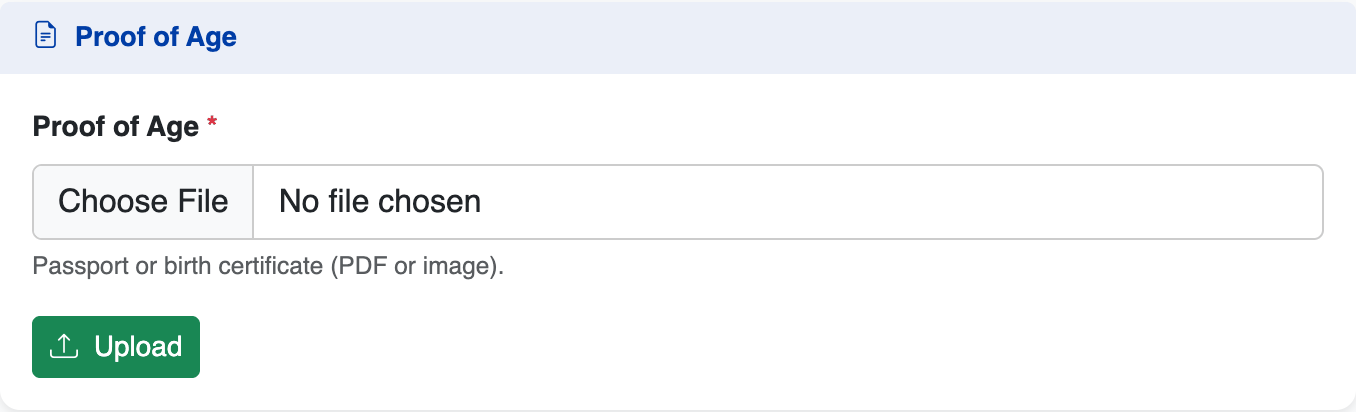
Upload a photo or scan of your passport, birth certificate or driver’s license as a PDF, JPG or PNG (up to 20 MB). iPhone photos are often saved as HEIC, which isn't accepted — take a screenshot of the photo, or export it as JPG, and upload that.
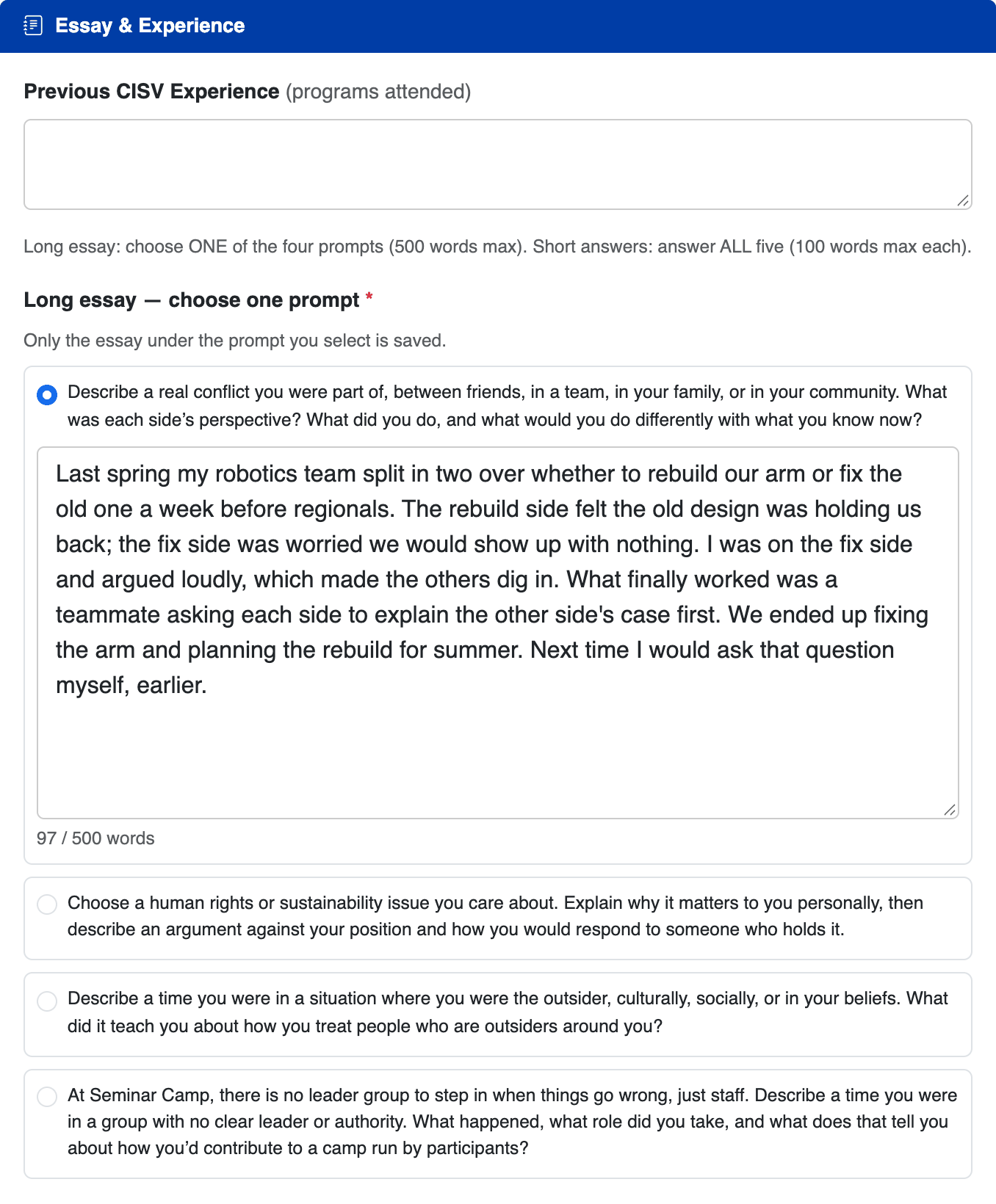
This is the part the committee reads most closely.
- Long essay: pick one of the prompts and write your essay in the box under it. Only the essay under the prompt you've selected is saved.
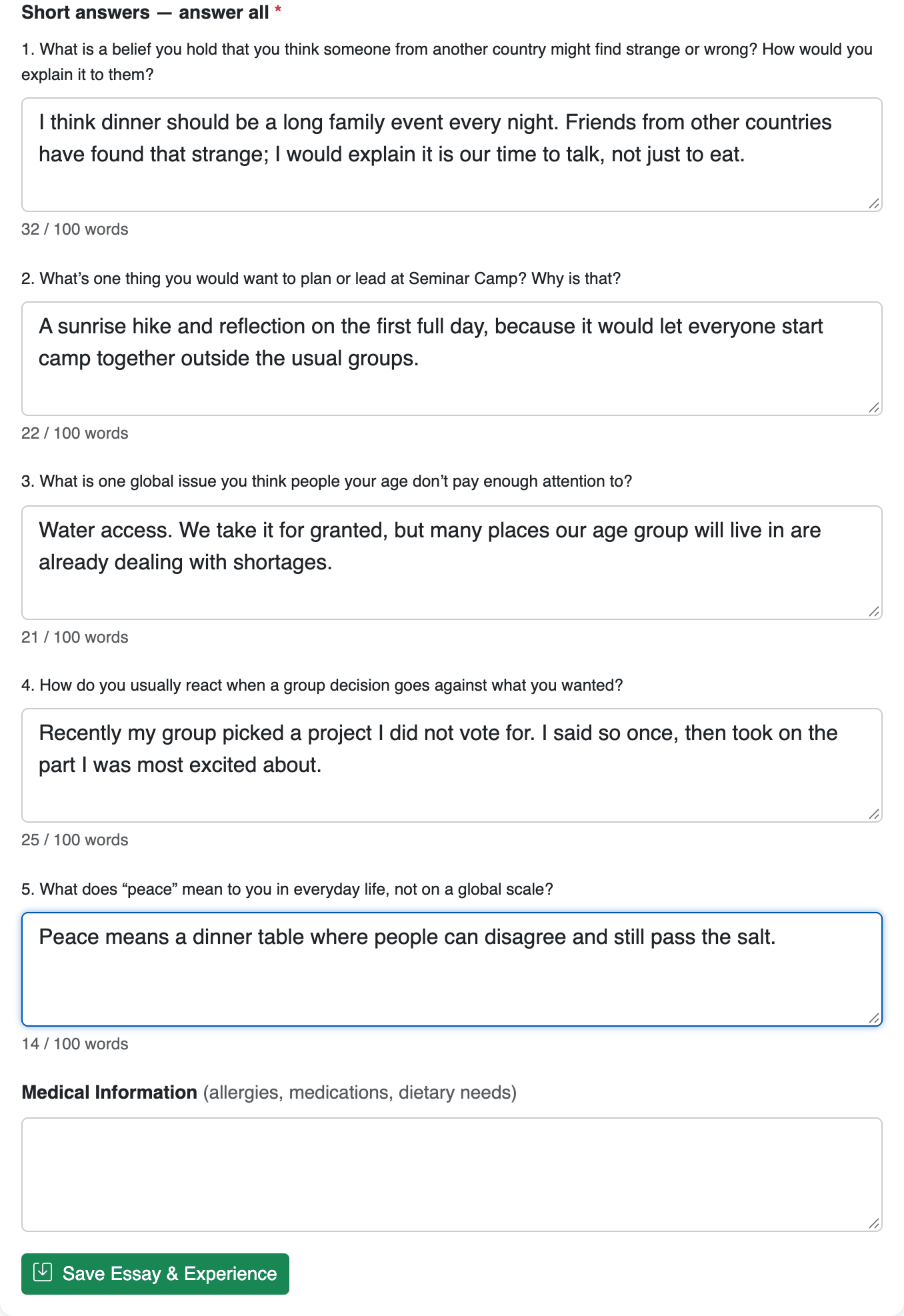
- Short answers: answer all of them.
- Each box shows a live word count. The limit is firm: if an answer is over it, you'll need to shorten it before you can submit.
This section is also where you list previous CISV programmes and any medical information (allergies, medications, dietary needs).
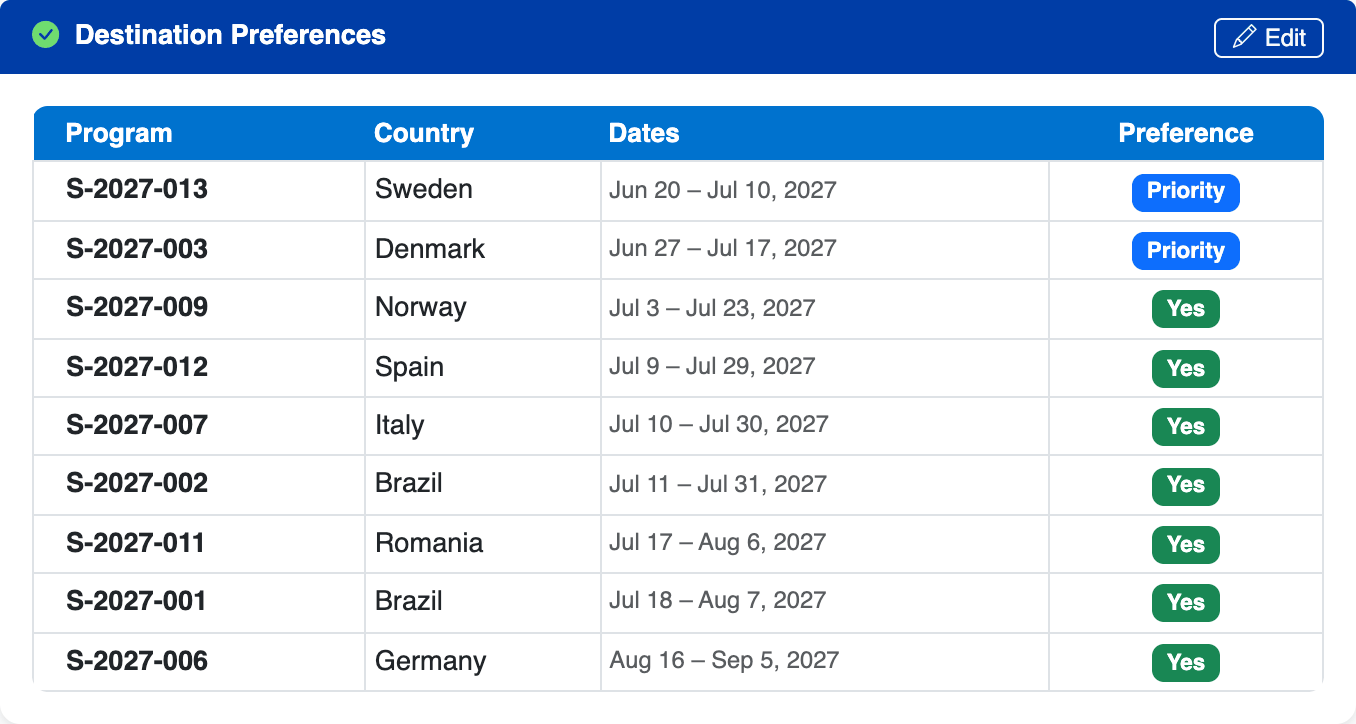
The preferences you chose when you registered are shown here. Click Edit to change them. Every camp marked N needs a short reason — including any you marked N when you registered, since the registration page doesn't ask for one. Your application can't be submitted until each N has a reason.
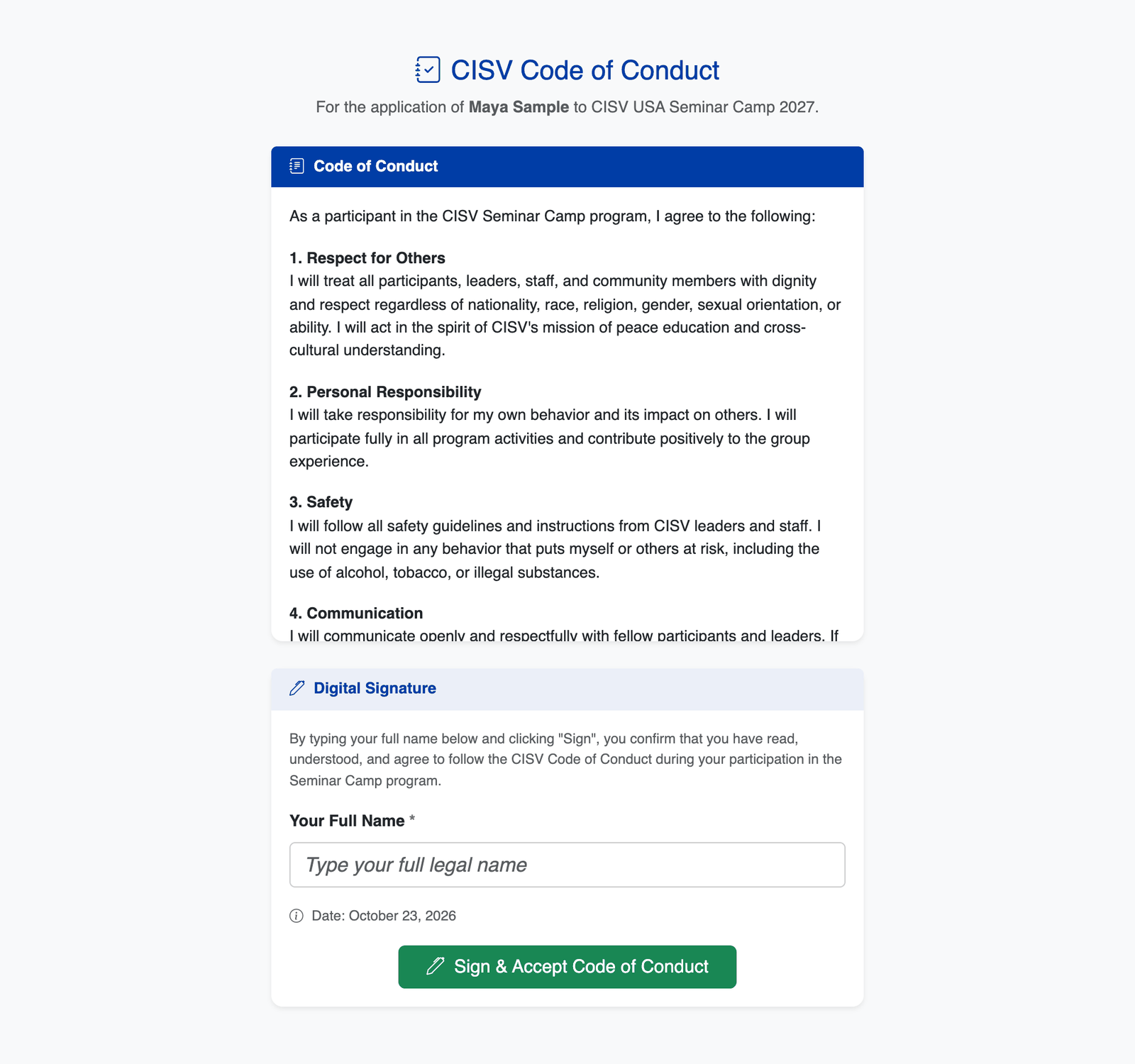
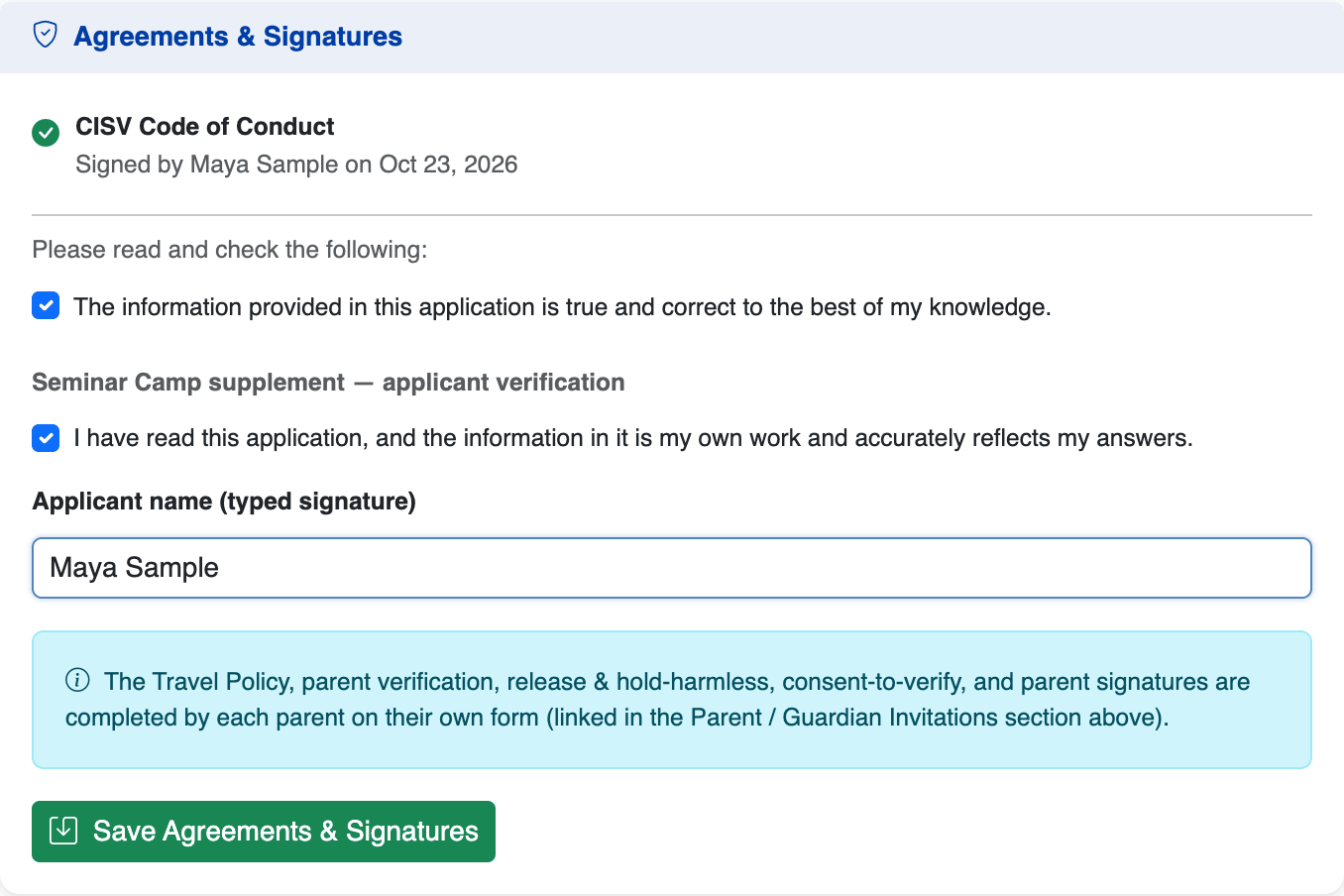
Click Read & Sign Code of Conduct, read it, and type your full name to sign. Then, back on your application, confirm the statements and type your name as your signature for the Seminar Camp supplement. Your parent(s)/guardian(s) sign their own agreements on their form (next step).
Your parent(s) / guardian(s)
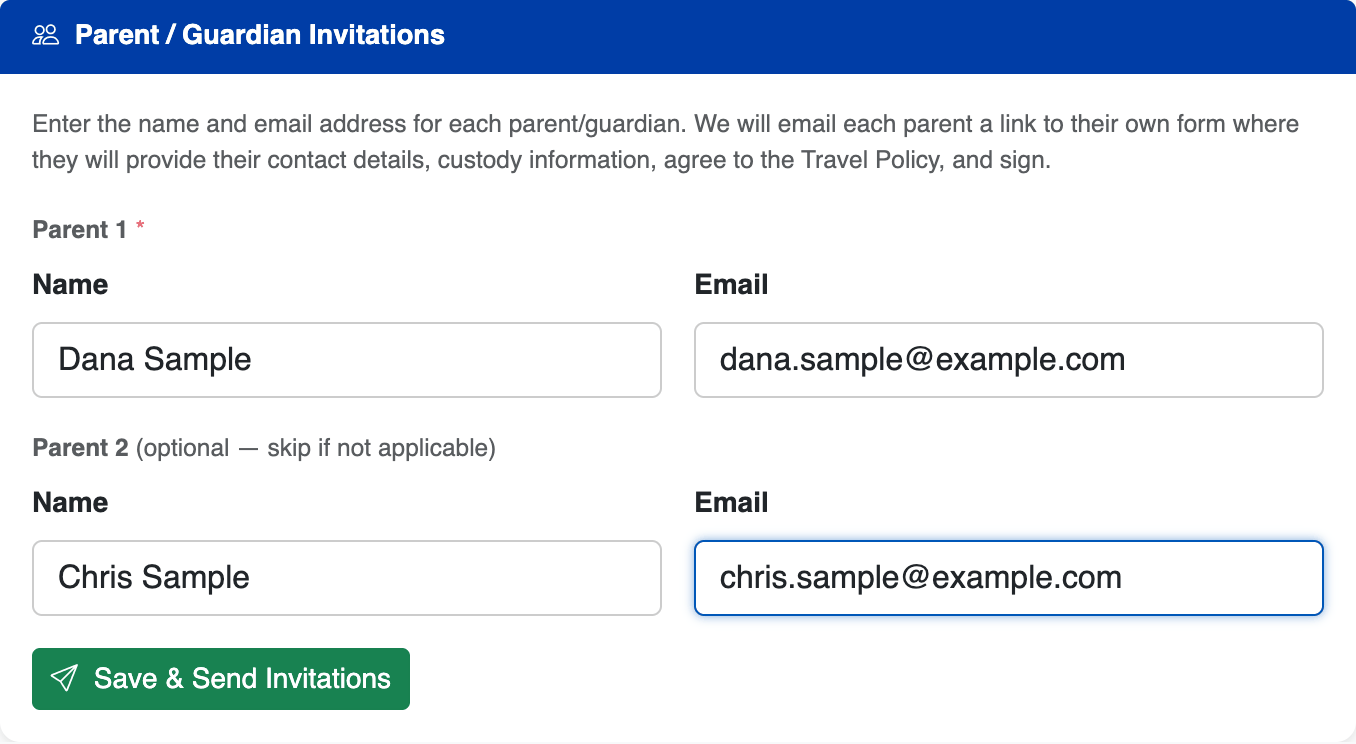
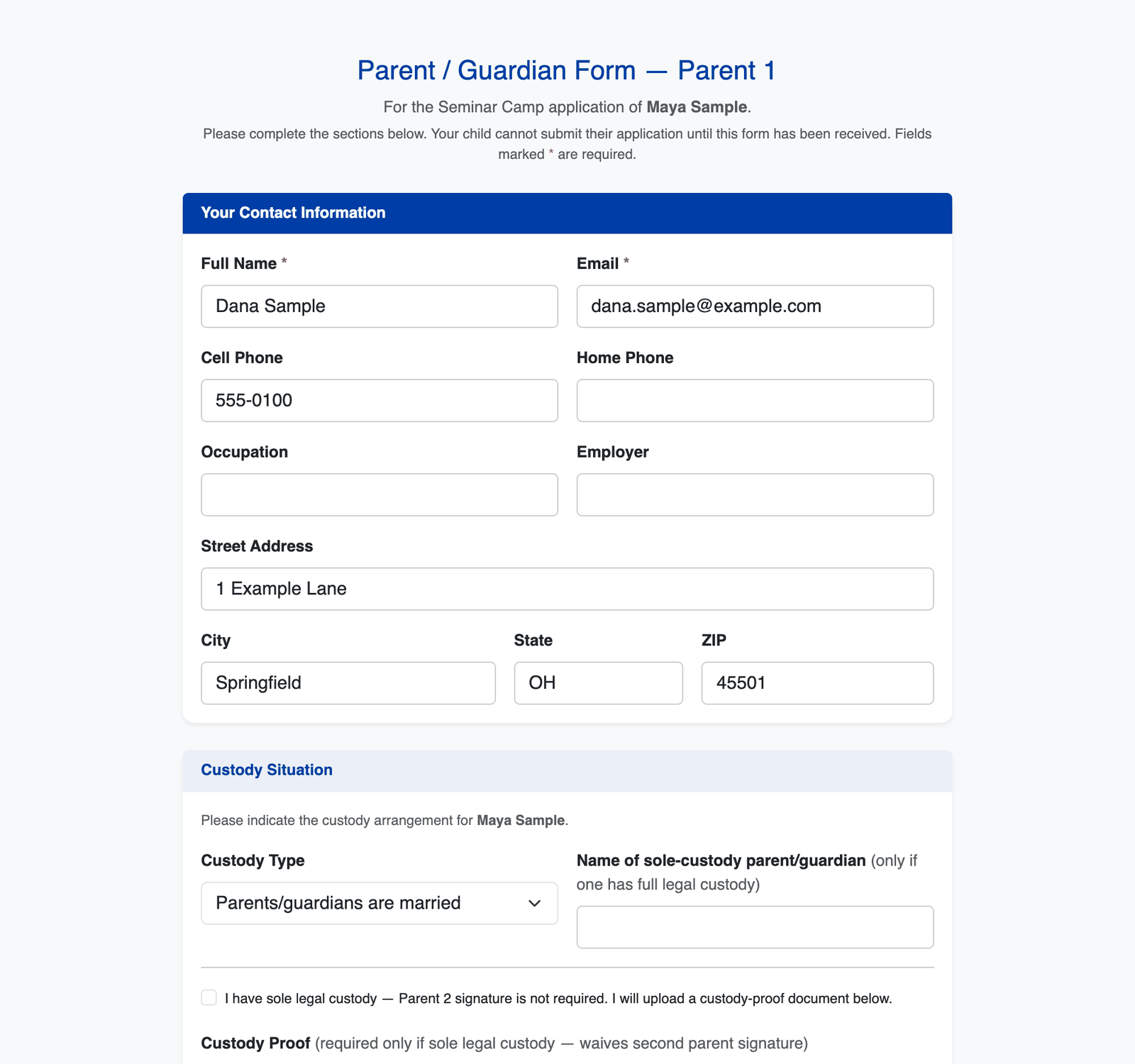
The parent(s)/guardian(s) you entered when you registered are already invited. To add one or fix an email address, use Parent / Guardian Invitations on your application and click Save & Send Invitations. Each one gets their own link to a form where they give their contact details and custody situation, accept the Travel Policy and release, and sign. You'll see each form's status on your page.
- Parent 1 is required.
- Two parents/guardians: invite both. Each one's form must come back before you can submit.
- One parent/guardian with sole legal custody: enter them as Parent 1 and leave Parent 2 blank. On their form they tick "I have sole legal custody" and upload proof (PDF, JPG or PNG). That option only appears on Parent 1's form.
Two references
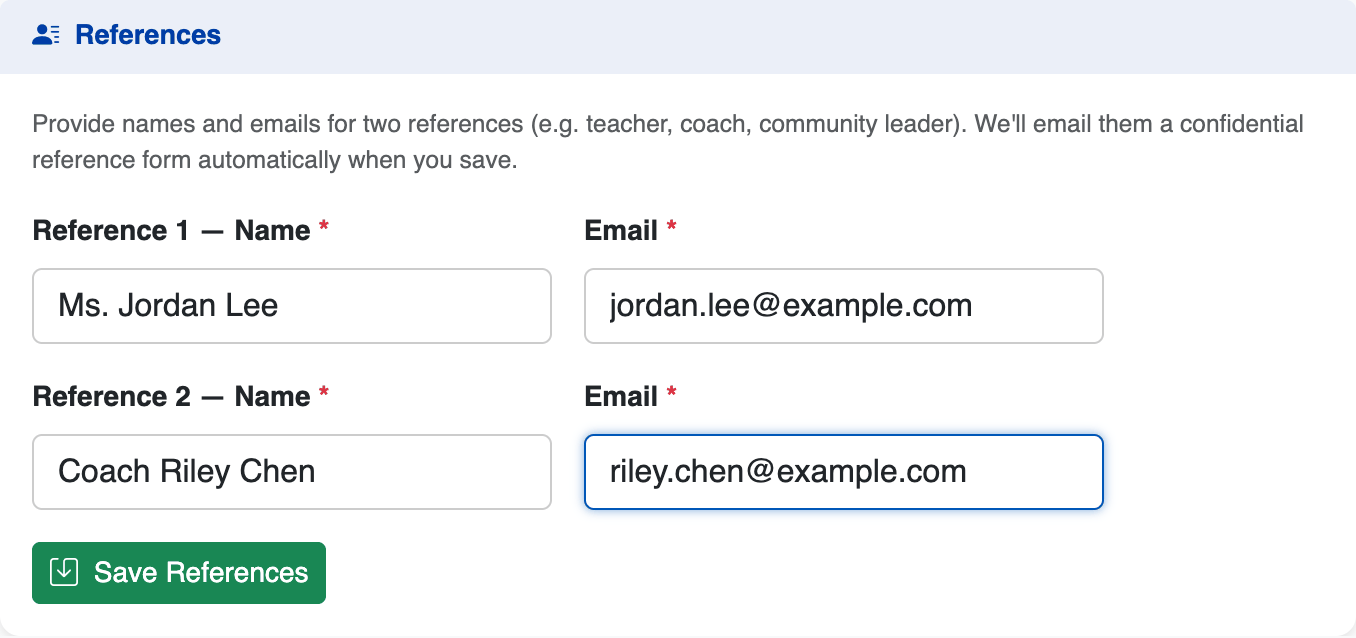
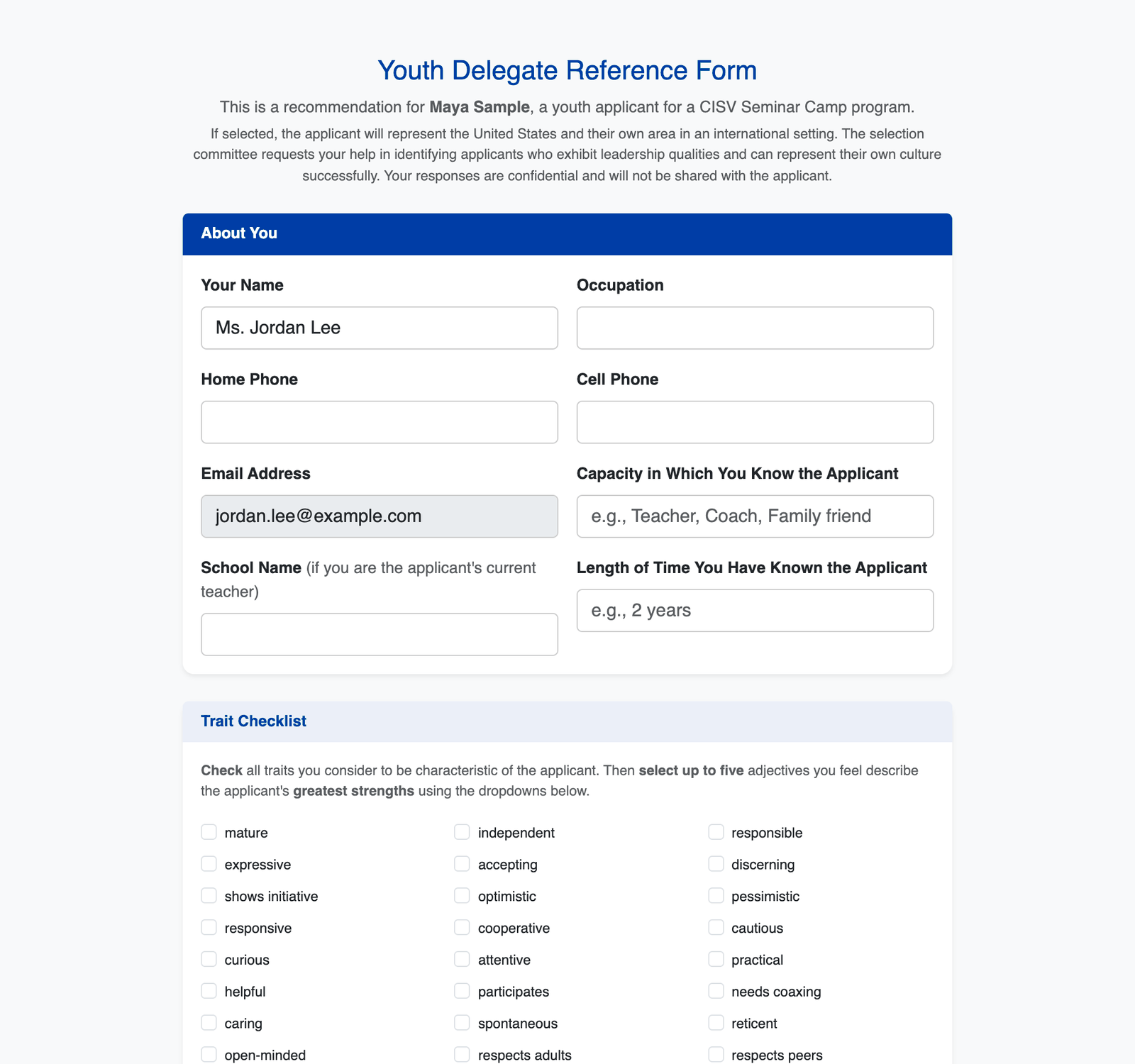
In References, enter the name and email of two people who know you well — for example a teacher, coach, former CISV leader, JB advisor or family friend. When you save, each gets an email with a confidential reference form. You won't see what they write. The committee asks for two: Compass lets you submit once at least one has come in, but a second one counts in your favour.
Ask your references before you add them, and let them know an email from CISV USA is coming — it sometimes lands in spam.

Your chapter's endorsement
Your chapter endorses your application in Compass. Once you've registered, your application appears to your chapter's leadership — let your chapter president know you've applied and ask them to complete the endorsement. Parents can't endorse their own children.
When every item on your checklist is green, the banner says your application is complete and the Submit Application button at the bottom of the page works. Read everything over first: after you submit, you can't make changes.
- Review. Volunteers on the Seminar Camp Committee read every complete application — your essay and short answers, your references and your chapter's endorsement — alongside your destination preferences.
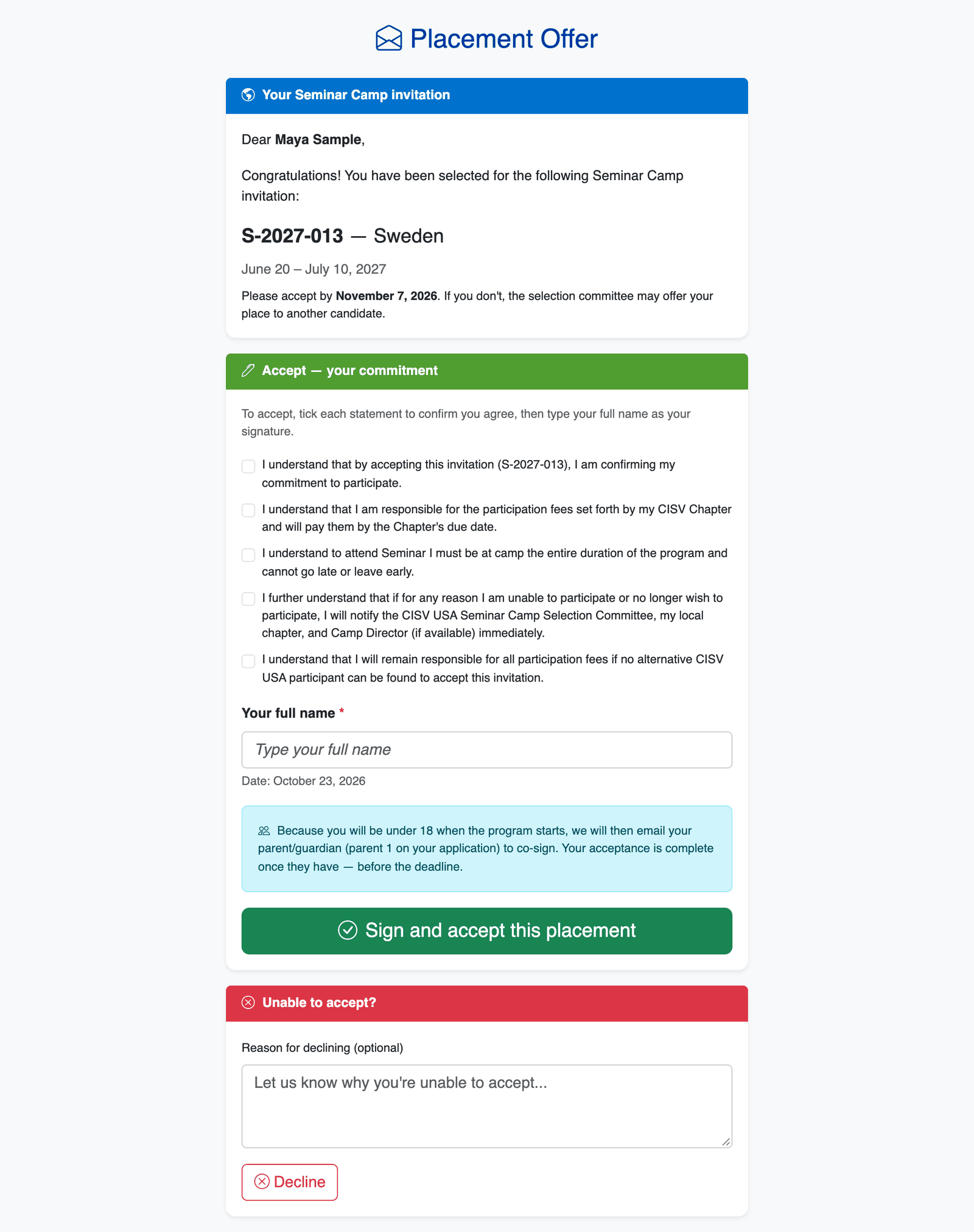
- Offer. If you're selected, you get an email with a link to your offer: which camp, its dates, and a deadline to respond (normally 15 days).
- Accept. To accept, tick each commitment statement (including that you're responsible for your chapter's participation fees and will attend the whole camp) and type your name. If you'll be under 18 when the camp starts, your Parent 1 then gets an email to co-sign — your acceptance is complete once they do, before the deadline. If you can't go, decline on the same page so the place can go to someone else.
- Waitlist. If there isn't a place for you straight away, the committee may put you on the waitlist and send you a letter about it. Waitlisted applicants can still be offered a place later.
- Can my parent fill in the application for me?
- No — the application, essay and emails need to come from you. Your parents have their own form.
- Do I need to finish in one sitting?
- No. Save each section and come back with your personal link — it works for 90 days from when you registered.
- I lost my link.
- Register again with the same email address and we'll email it again. If it has expired, contact the Seminar Camp Committee.
- A reference or parent didn't get their email.
- Ask them to check spam first. If the address was wrong, correct it in your application and save — the email goes to the new address. Compass can't re-send to the same address, so if it was right and the email is still missing, contact the Seminar Camp Committee.
- I need to change something after submitting.
- Reply to any email from the Seminar Camp Committee and they'll help.